
1
Tap to toggle
Turn a channel on or off from the home screen.
Tap a tile, see your channels on the dash, or use Siri voice control when you want to keep your hands on the wheel.
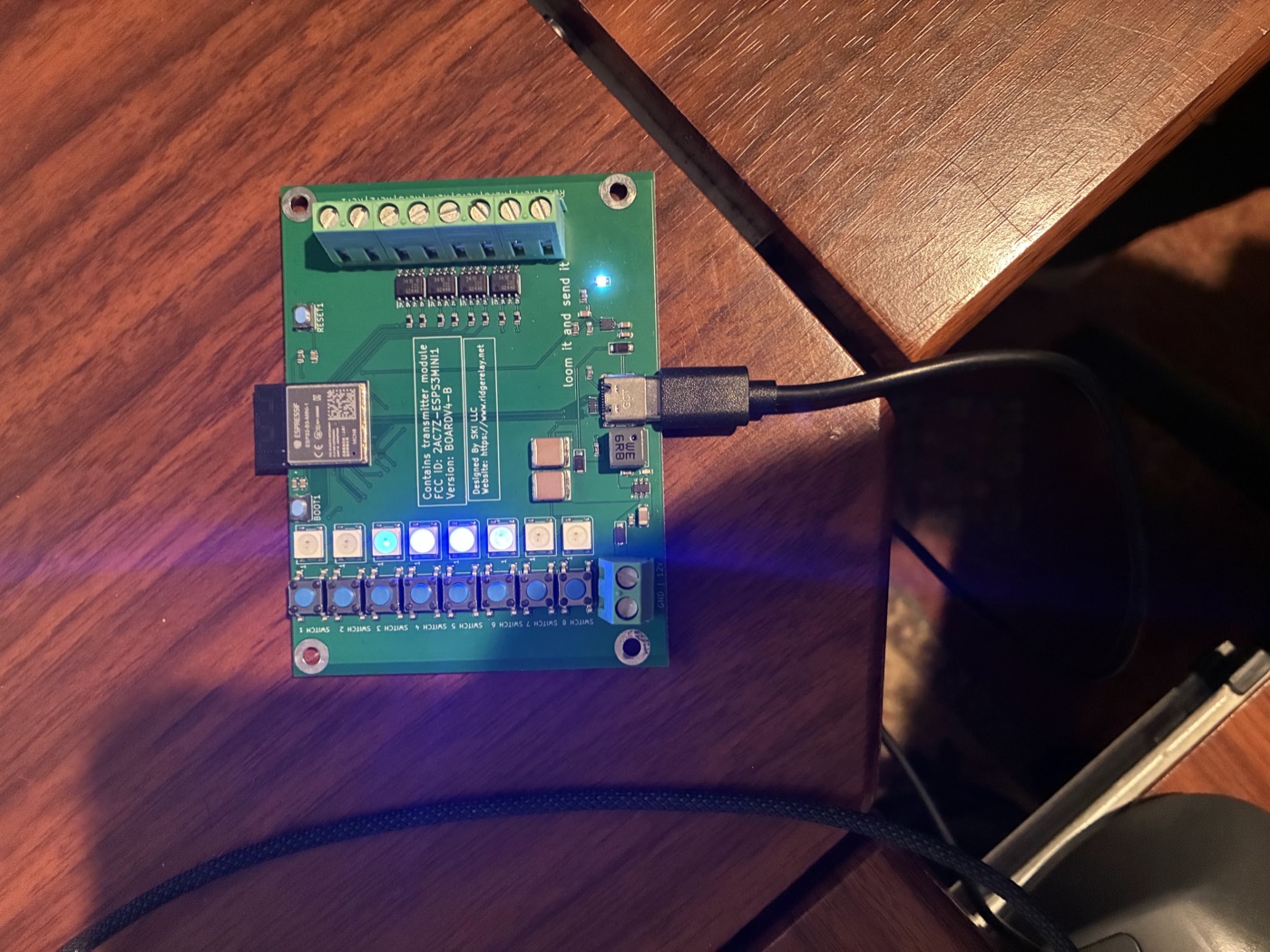
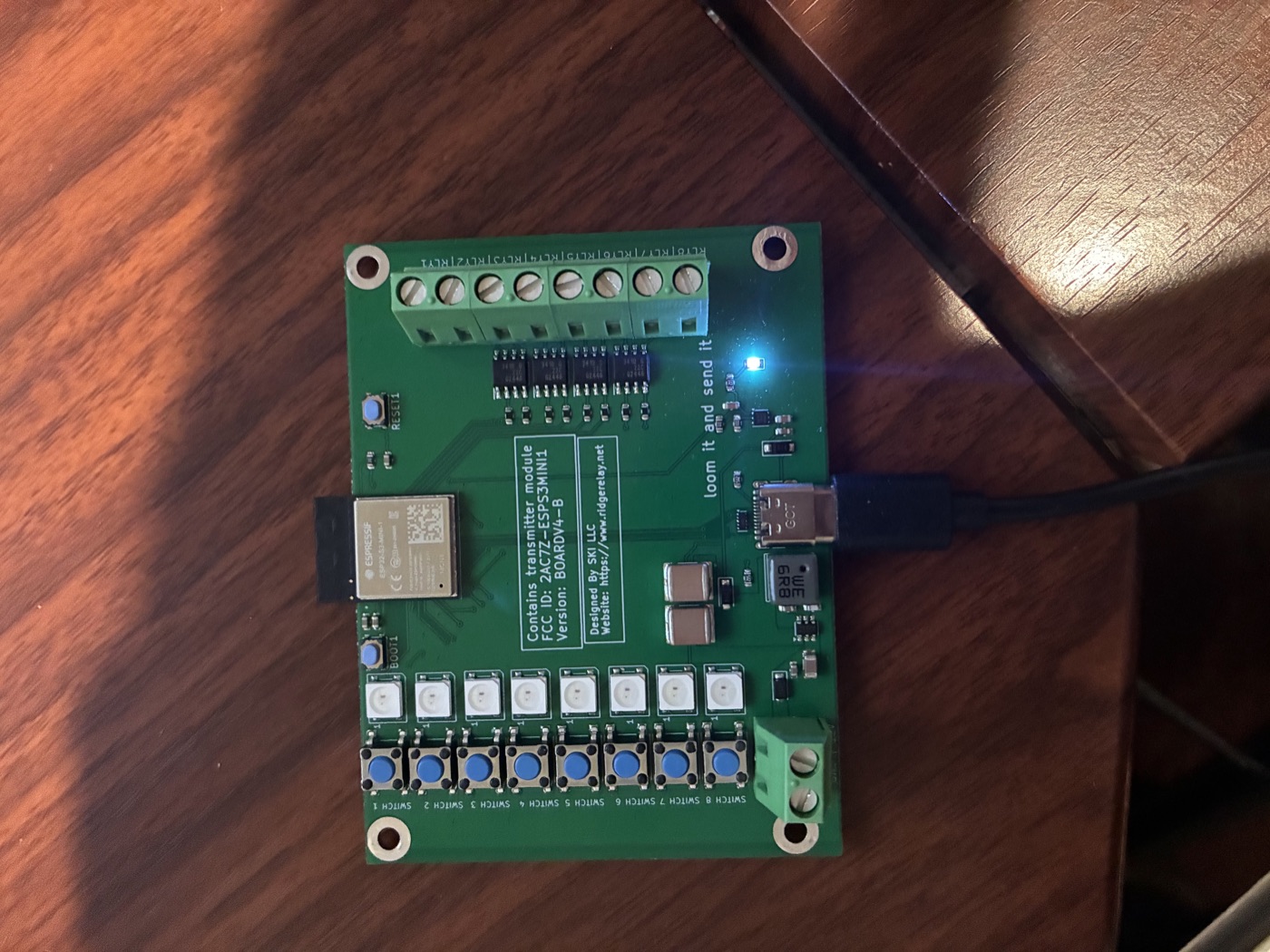
Channel 1 on the board is Relay 1 in the app, channel 2 is Relay 2, and so on through 8. Each tile controls its matching low-side trigger.
Turn a channel on or off from the home screen.
Rename “Relay 1” to “Ditch Lights,” “Beacon,” or whatever you wired.
Pick an icon and dash color so the controls read at a glance.
See your relays on the car’s dash screen. Your phone must be paired with the board and the app must be running.
Use Siri to control RidgeRelay by voice. Supported phrases and setup details will be documented here once confirmed for the shipping app.
Android support is coming soon. The app will use the same channel mapping and setup flow.
The app uses Bluetooth permissions to talk to the board. It does not request location or nearby-device permissions.
App screenshots will be added here when the final iOS, CarPlay, Siri, and Android captures are supplied.